Protecting Multiple Devices at Home
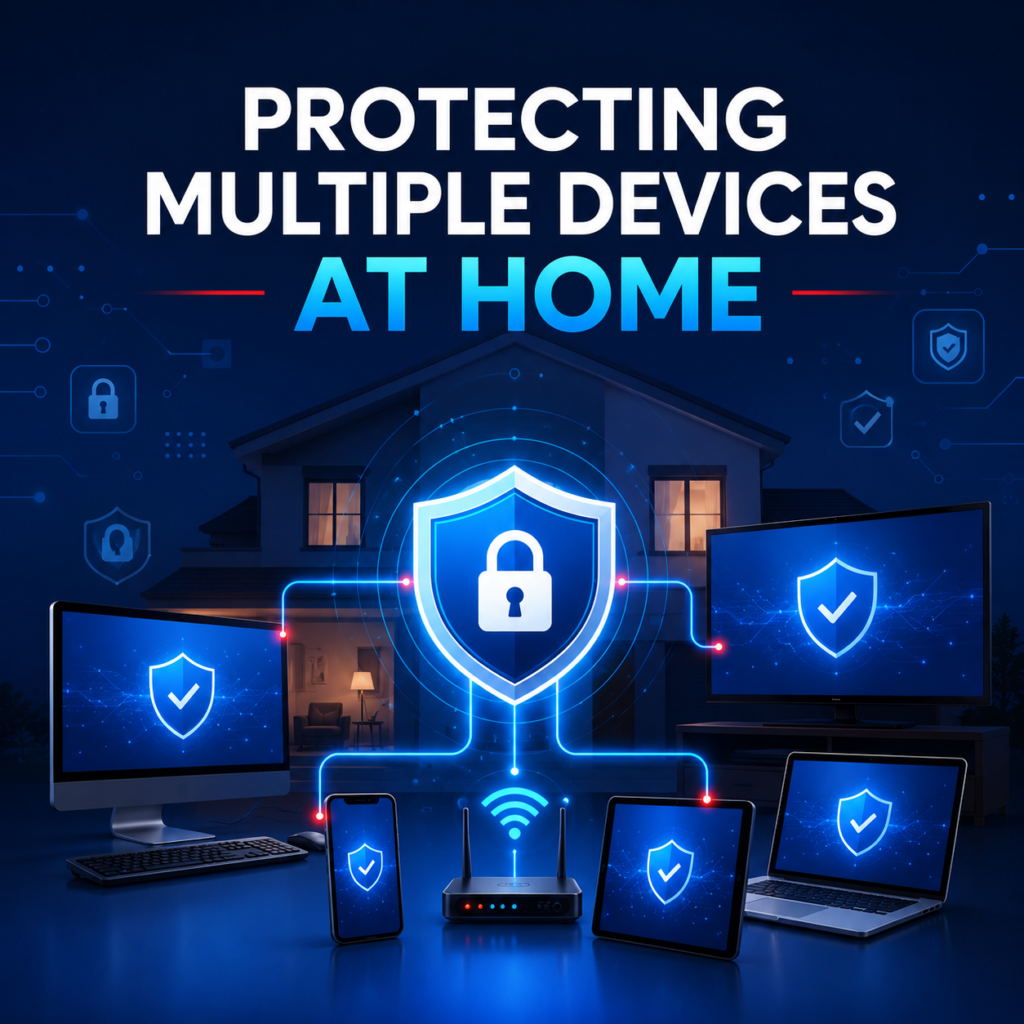
A household plan that covers laptops, phones, tablets and the smart devices most people forget about entirely. Start with an honest inventory Most households underestimate their device count by half. Walk through each room and write down everything that connects: laptops, phones, tablets, consoles, streaming sticks, smart speakers, cameras and the printer nobody has updated since it was bought. Sort devices into three tiers Not everything needs the same treatment. Tier one holds accounts and money: computers and phones. Tier two browses but stores little: tablets and TVs. Tier three is everything else with a network chip. The router is the front door Change the admin password, enable automatic firmware updates, use WPA3 where available and create a separate guest network for visitors and smart devices. That single guest network keeps a compromised gadget away from your laptops. Choosing the right licence count Count tier one and tier two devices, then add two for the ones you will buy this year. If that number sits above five, an unlimited-device plan such as LiveSafe is usually cheaper than stacking smaller licences. Our team will do this maths with you if you would rather talk it through.
Best Password Security Practices

Length beats complexity, uniqueness beats cleverness, and a manager beats memory. The current guidance, explained. Length beats complexity Forced symbol-and-number rules produced passwords that were hard for humans and easy for machines. Current guidance favours length: a long passphrase of unrelated words resists cracking far better than a short string of substituted characters. Uniqueness matters more than strength A brilliant password reused across twenty sites is weaker than twenty mediocre unique ones, because a single breach compromises all twenty accounts at once. Uniqueness is the single highest-value change most people can make. Running a password manager properly The manager holds everything, so protect it correctly and plan for the worst case. Where passkeys fit in Passkeys replace the password with a cryptographic key stored on your device, which makes phishing structurally impossible for that account. Adopt them where offered, but keep the manager: plenty of services will still be password-only for years.
Safe Browsing Tips Everyone Should Follow

Nine habits that prevent the overwhelming majority of everyday compromises, none of which require technical skill. Read the domain, not the design Attackers clone visual design perfectly but cannot clone a domain name. Before typing a password, read the address bar from right to left: the part immediately before the first slash is the real site. Everything else is decoration. Treat downloads as decisions Download software from the vendor’s own site or an official app store. Search results and aggregator sites frequently serve bundled installers that add unwanted extras. If a download starts without you clicking, cancel it. Assume public Wi-Fi is watched Hotel, airport and café networks are shared spaces. A VPN encrypts your traffic so other users on the same network cannot inspect it. Turning the VPN on automatically for untrusted networks is the least disruptive way to stay covered. Everyday habits worth building Small, repeatable habits beat occasional big clean-ups.
Why Antivirus Software Still Matters in 2026
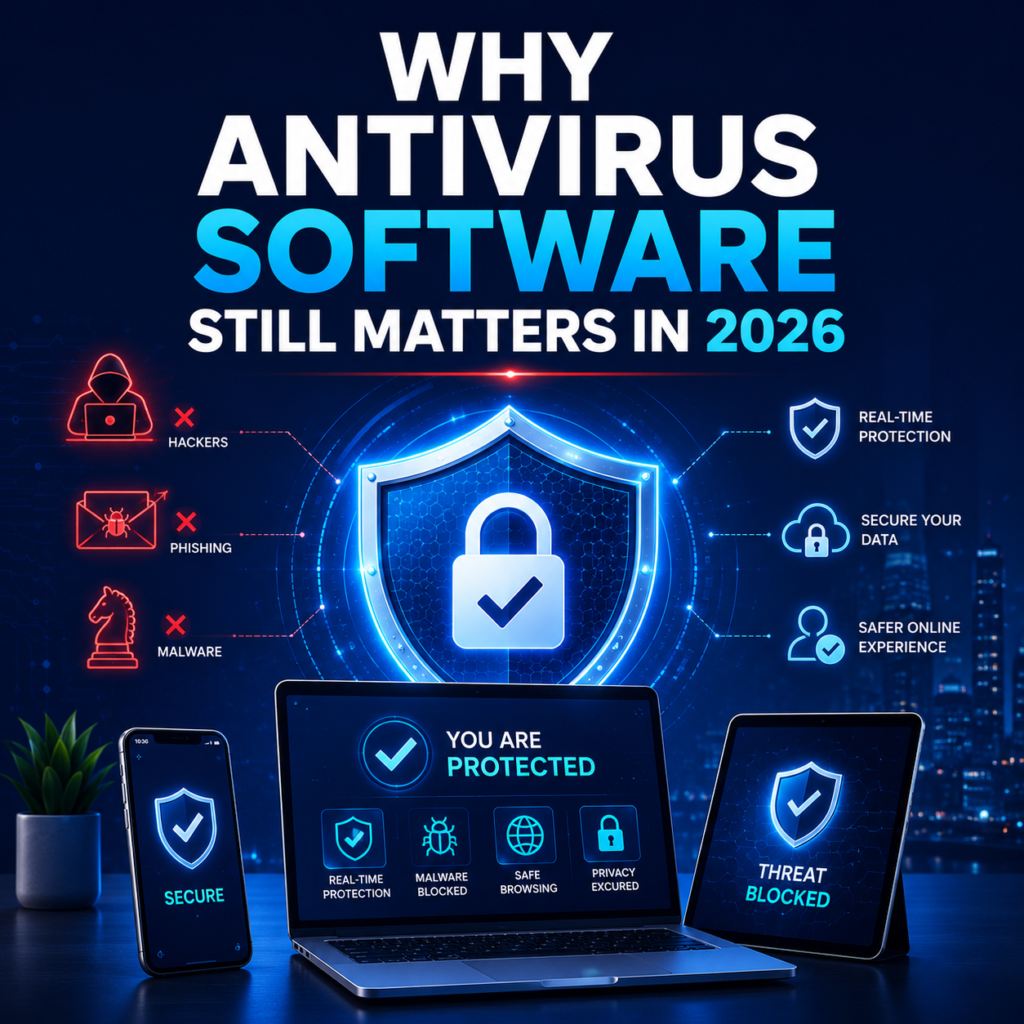
Operating systems ship with better defences than ever, yet dedicated security software still closes gaps that matter. Here is the honest 2026 picture. The landscape has shifted, not softened A decade ago, antivirus software was mostly about catching files that behaved badly on your hard drive. In 2026 the majority of successful attacks against households never involve a traditional virus at all. They arrive as a convincing text message, a cloned login page, or a browser extension that quietly reads everything you type. That change is exactly why the category still matters. Modern security suites moved with the threat: they inspect links before pages load, warn about lookalike domains, and monitor whether your credentials have surfaced in a breach dump. Those capabilities have very little to do with classic virus scanning and everything to do with how people actually get compromised today. What built-in tools already cover Give credit where it is due. Windows and macOS both ship competent baseline protection, automatic patching and sandboxing that genuinely reduce risk. For a cautious single-user machine that never leaves a home network, the built-in tools are meaningfully better than the free products of 2015. Where the gaps remain The gaps show up the moment a household has mixed devices, shared accounts and family members with different levels of caution. Platform defences do not follow your identity across devices, they do not tell you that a password you reused has leaked, and they rarely help a non-technical family member recognise a phishing page. Choosing sensibly rather than maximally More features are not automatically better. Count your devices, be honest about who uses them, and pick the smallest plan that covers everyone. A single adult with one phone and one laptop rarely needs unlimited-device identity bundles. A five-person household with tablets, phones and laptops almost certainly does. If you are unsure, our team is happy to talk through the differences without pushing the most expensive option. That conversation costs nothing and usually takes under ten minutes.